How to avoid identity theft when setting up utilities
Utility signup is the single most data-rich identity event in a mover’s life. Here’s how to do it without handing thieves a starter pack.
Why utility signup is a thief’s favorite moment
To open a utility account, the provider asks for full name, date of birth, Social Security Number, prior address, current address, and a phone number. That is the exact data bundle that sells for the highest price on identity-theft markets — because it’s enough to open new credit lines, file a fraudulent tax return, or take over an existing account.
The five rules
-
Verify the domain before you type. Don’t
click links in SMS or email. Type the provider’s domain
directly. Scammers register lookalikes —
reliantt.com,txu-pay.com— that look identical to the real site. - Verify caller-ID against the bill. Never give SSN to an inbound caller. Hang up, look up the provider’s phone number on your bill or their official site, and call back.
- Freeze your credit before signup. A freeze is free at all three bureaus (Equifax, Experian, TransUnion). Lift it for the soft pull, then re-freeze.
- Use the soft pull, not the hard pull. Most REPs default to a soft pull at signup, which doesn’t affect your score. Confirm in writing.
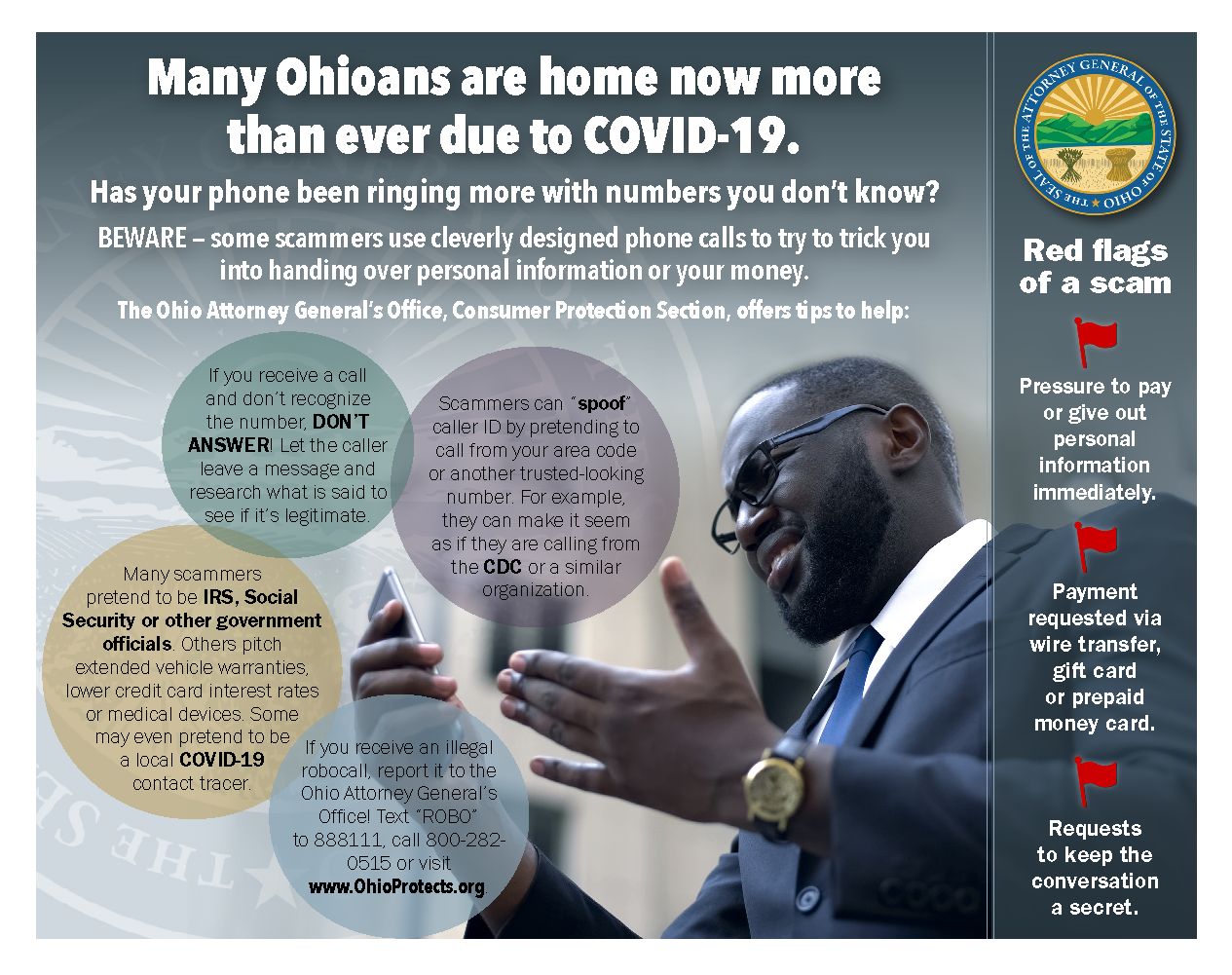
- Watch for impostor disconnect calls. Real utilities mail multiple paper notices before disconnection. Anyone demanding immediate payment via gift card, wire transfer, or cryptocurrency is a scammer — full stop.
Why Utilify is structurally safer
Most signup tools store your SSN somewhere — in a database, a CRM, or a third-party form vendor. Each storage location is a future breach. Utilify passes your SSN directly to the provider over an authenticated channel and never logs, caches, or stores it. The data exits our system the instant the provider acknowledges receipt.
If you suspect a breach
File reports at identitytheft.gov and your state attorney general. Pull all three credit reports at annualcreditreport.com. If your utility is the suspected origin, ask them in writing what data they hold on you and request deletion under applicable state privacy law.

Frequently asked questions
Why do utilities ask for my Social Security Number?
To run a credit check that determines whether you owe a deposit. By federal regulation they can also use it to verify identity and report unpaid bills to credit bureaus. You can usually decline the soft pull — but most providers then require a deposit ($150–$400) instead.
Can I set up utilities without giving my SSN?
Often yes. Most Texas REPs accept ITIN, passport, or a higher deposit in lieu of an SSN credit check. Prepaid electricity plans skip the credit check entirely. City water rarely needs SSN — just ID and a lease.
How do I know if a utility call is a scam?
Three red flags: (1) demand for immediate payment via gift card, wire, or crypto, (2) threat of disconnection within hours, (3) a number you don't recognize. Real utilities mail multiple notices before disconnect. Hang up and call the number on your bill.
Should I freeze my credit before signing up for utilities?
Yes — if you can. A credit freeze blocks new accounts opened in your name. You temporarily lift it (a 'thaw') for the soft pull at signup, then re-freeze. It's free and stops most identity-theft attempts cold.
Images via Wikimedia Commons (Padlock 7642, CC BY-SA 3.0; Phone-scam flyer, U.S. government work / public domain; U.S. passport, U.S. government work / public domain).