The complete utility setup checklist for new homeowners
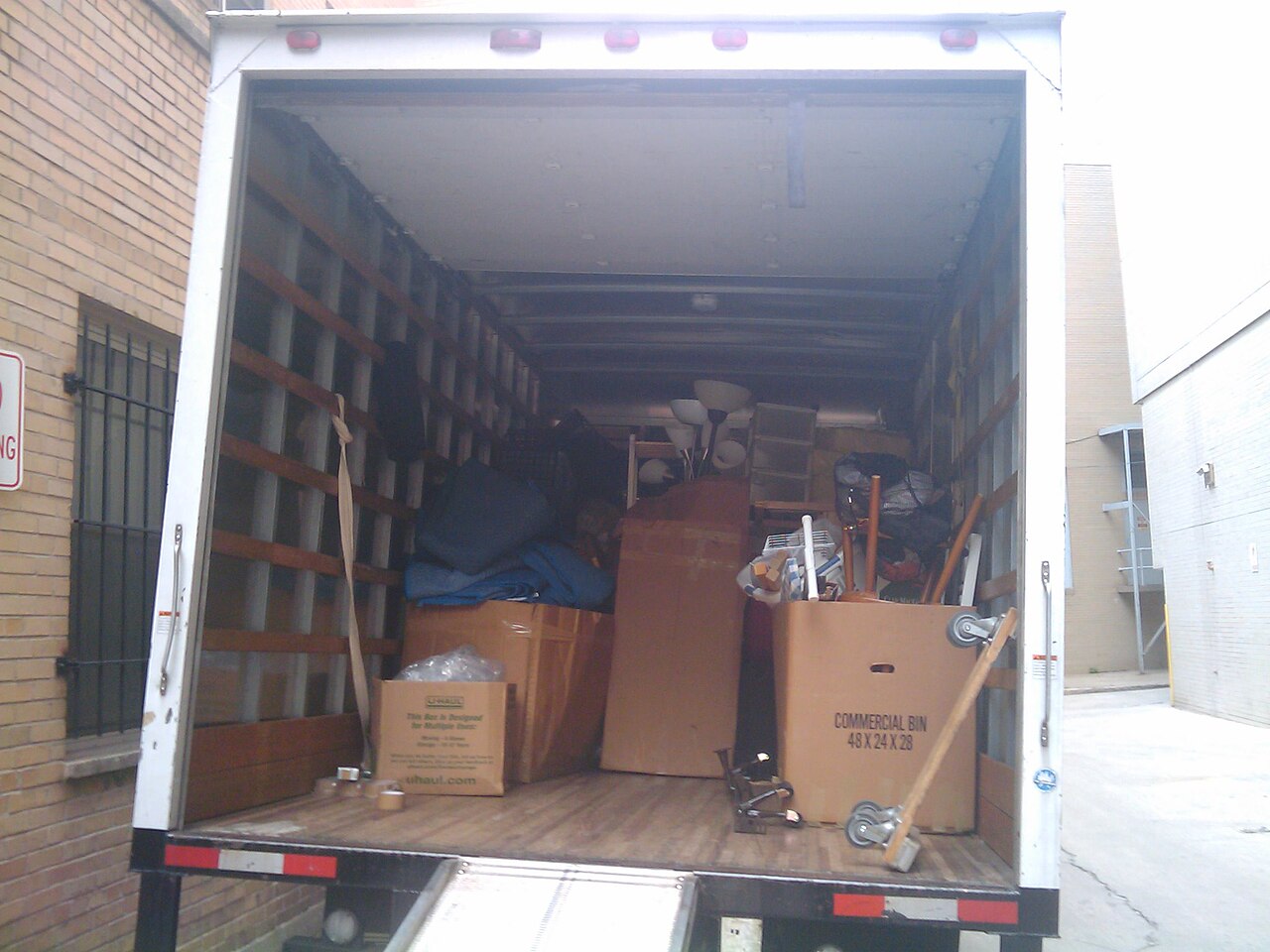
The pillar checklist. If you’re closing on a house in the next two weeks, work this in reverse from your move-in date.
Day 14 — the moment you sign
- Walk the home with the seller. Note appliance fuel types: gas stove? gas water heater? gas furnace? all-electric?
- Request copies of the seller’s last 12 months of utility bills for budget baseline.
- Freeze your credit at all three bureaus — you’ll thaw briefly for utility soft pulls.
- Submit USPS Change of Address. Takes 7–10 business days to fully propagate.
Day 10 to 7 — the heavy lifting
- Electricity: compare REPs at your ESID, sign up. See our cheapest plan guide.
- Gas: book the tech appointment. The 4-hour window means someone has to be home.
- Water/sewer/trash: apply with the city. Some require in-person; check first.
- Internet: address-level serviceability check, schedule install. See our internet guide.
Day 5 to 2 — the owner-only items
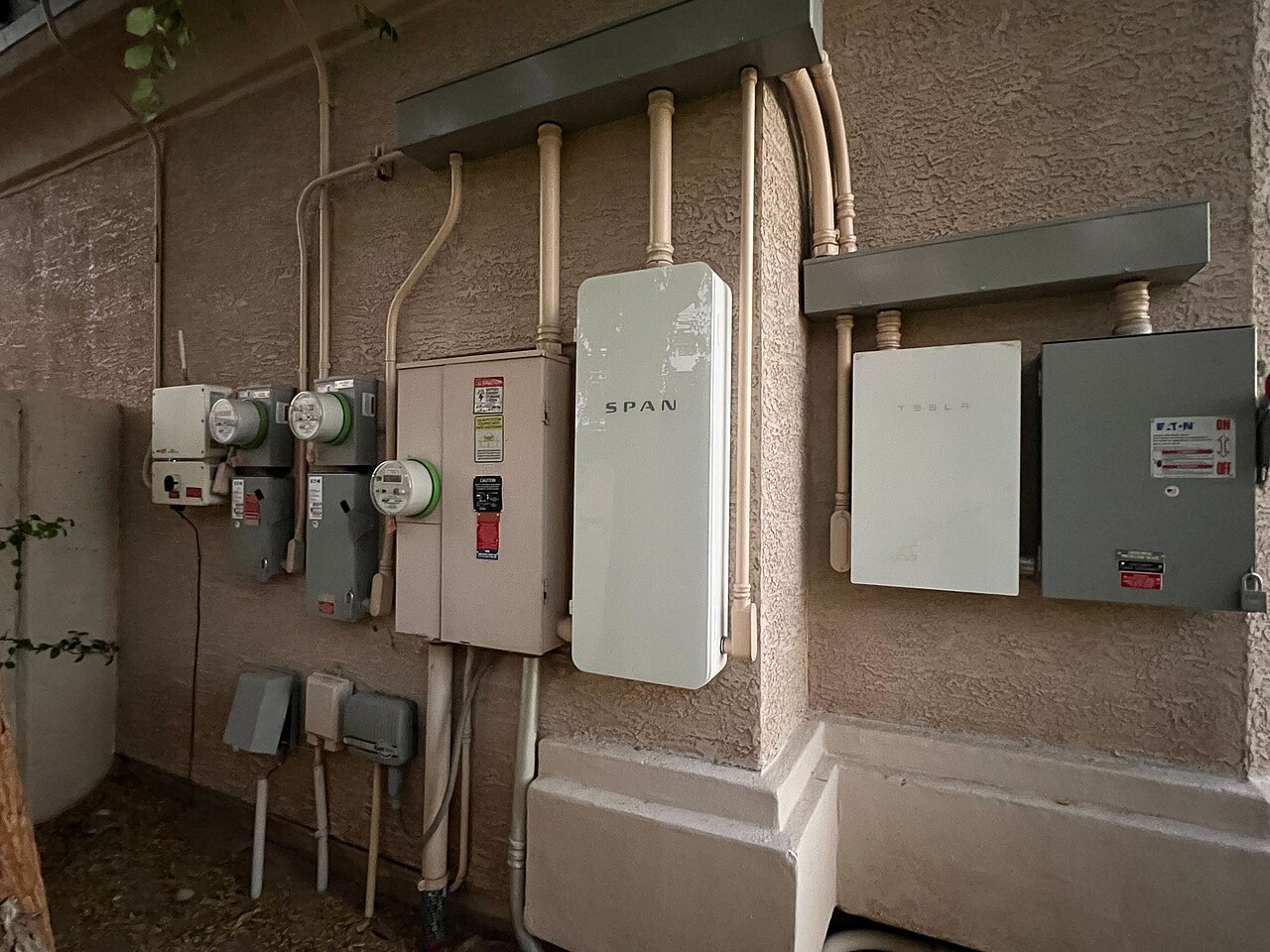
- Solar net-metering: if the home has rooftop solar, register the system with the new REP within 30 days or you forfeit credits.
- Home security transfer: call the existing provider; transfer is faster and cheaper than starting fresh.
- HOA utility rules: some HOAs mandate specific trash haulers, pool services, or lawn care bundles. Read the bylaws.
- Homeowners insurance: confirm policy effective date matches closing.
Day 0 — move-in day
- Read every meter (electric, gas, water) with photos. This is your dispute evidence if a bill looks wrong.
- Test every breaker, every faucet, every gas appliance.
- Change every lock and reset every smart-home password.
- Verify internet is live. Speed-test on the FCC’s tool, not the ISP’s — the ISP test is rigged.
The 30-day tail
- Confirm USPS forwarding caught everything. File any missed.
- Watch for the seller’s final bills hitting your address — common during transition.
- Verify deposit refunds from prior providers showed up.
- Update billing addresses on every credit card, subscription, and tax filing.

Frequently asked questions
What utilities do I need to set up as a new homeowner?
All six core utilities — electricity, gas, water, sewer, trash, internet — plus owner-only items: HOA utility rules, solar net-metering registration if applicable, home security system transfer, mail forwarding, and homeowners insurance start date.
How long does it take to set up utilities in a new house?
Plan for 14 days from contract close to move-in. Electricity is fast (1–3 days in TX, same-day possible). Gas and water are slow (1–2 weeks for tech-required activations). Internet install windows fill 7–14 days out.
What's the difference between renter and owner utility setup?
Owners handle every utility — none are landlord-paid. Owners also have HOA rules to follow, solar net-metering to register, and homeowners insurance to time with closing. Renters can skip 2–3 of those steps depending on the lease.
Should I keep the previous owner's utility provider?
Almost never. Their plan was signed at a different rate environment, possibly years ago. Use the move as a forced shop — Texas electricity rates change quarterly, and you'll usually save 10–30% by switching at closing.
Images via Wikimedia Commons (Moving company boxes, CC BY-SA 4.0; Residential service entrance, CC BY-SA 4.0; My Savings by Jeff Belmonte, CC BY 2.0).