How to set up internet when moving
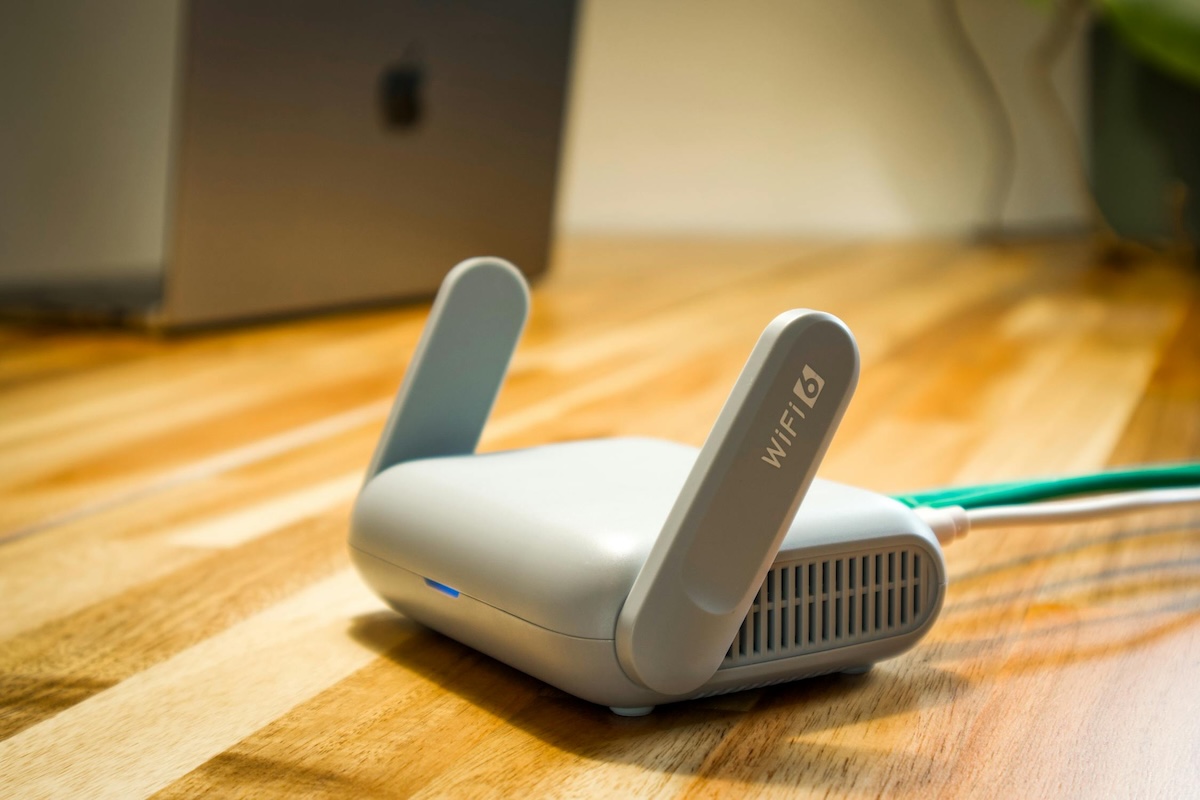
Internet is the most variable utility — serviceability changes block by block. Don’t trust ZIP-level “available here” promises.
Address-level serviceability
ISP coverage maps lie at the ZIP level. Same ZIP, different blocks — one has fiber, one has 25 Mbps DSL only. Always check at the actual street address, ideally via the FCC Broadband Data Collection map and at the ISP’s own address-lookup tool.
The technology hierarchy
- Fiber (FTTH). Symmetric speeds, low latency, dedicated capacity. AT&T Fiber, Google Fiber, Frontier Fiber, local munis.
- Cable. High advertised download, much slower upload, shared neighborhood capacity. Spectrum, Xfinity, Cox.
- Fixed wireless. 5G home internet from T-Mobile or Verizon. No technician install but speeds vary by signal strength.
- DSL. Older copper-line service. Often the only option in rural areas; speeds usually under 100 Mbps.
- Satellite. Starlink is the modern option; legacy HughesNet/Viasat lag badly. Backup-only for most households.
Install timing
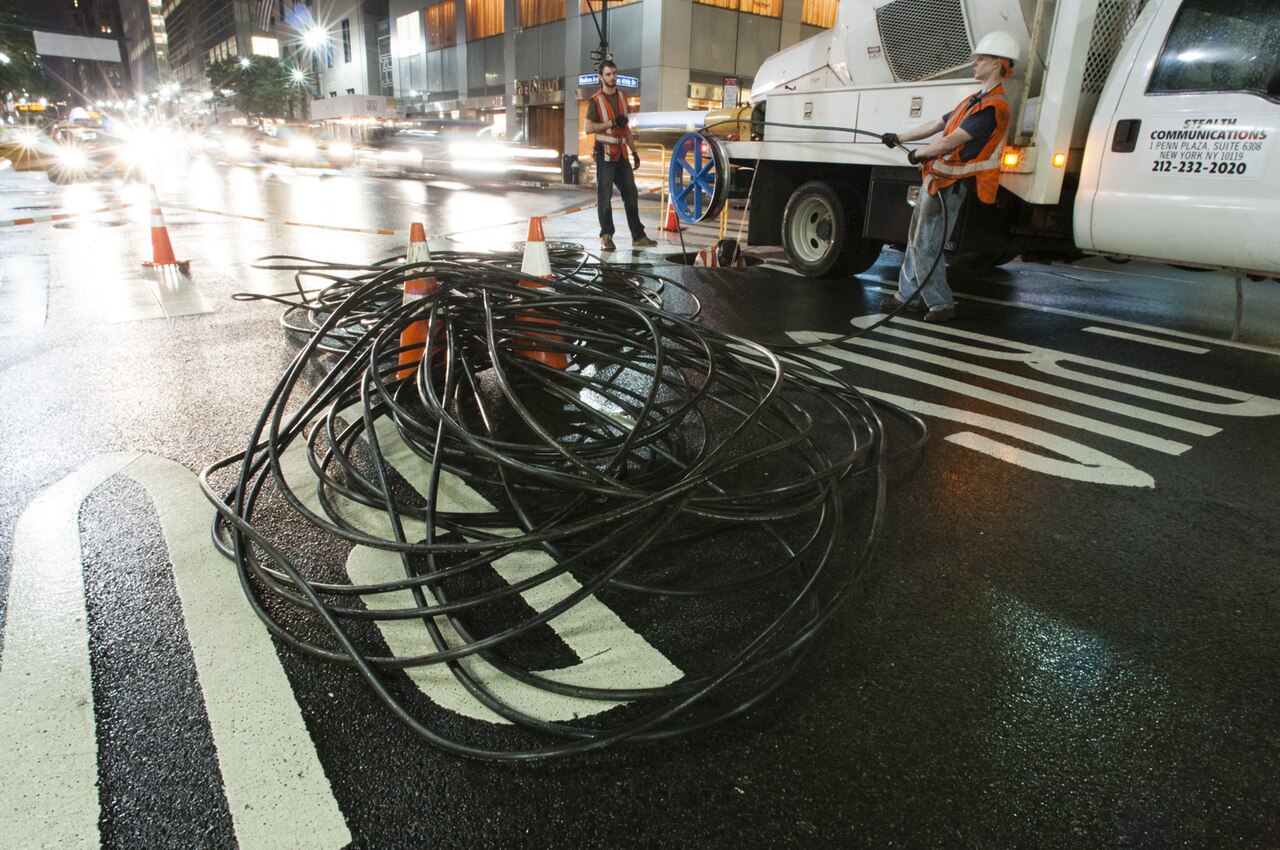
Self-install cable kits ship in 2–3 business days; you plug in the modem yourself. Fiber installs almost always require a technician for the optical-network terminal (ONT) — book 7–14 days out. Holiday weeks stretch to 3 weeks.
Avoiding the equipment-return trap
When you cancel an ISP, you have 30 days to return the modem and router. Miss it and you’re billed $100–$200 per item. Always get a tracking-number receipt from UPS/FedEx; some ISPs “lose” returned equipment and bill anyway.
Frequently asked questions
How long does it take to set up internet at a new address?
Self-install cable kits ship in 2–3 business days. Technician installs (required for new fiber drops) book 7–14 days out. Holiday weeks can stretch to 3 weeks. Schedule before move-out at the old address.
Can I use my old internet equipment at a new address?
Sometimes. If you stay with the same ISP and same technology (cable to cable, fiber to fiber) the modem/router usually transfers. Switching ISPs or technologies almost always requires new equipment — and you must return the old hardware to avoid an unreturned-equipment fee.
Is fiber internet always faster than cable?
Yes for upload, usually for download under load. Cable advertises high download speeds but shares bandwidth with neighbors and often has 10x slower upload. For video calls, cloud backup, and remote work, fiber's upload advantage matters more than the headline download number.
What hidden fees do ISPs charge?
Equipment rental ($10–$20/month), one-time install fee ($50–$100), early-termination fees ($150–$400), regulatory recovery fees ($3–$10/month), and broadcast/sports surcharges on bundled cable. Always ask for the all-in monthly total in writing.
Images via Wikimedia Commons (Modern Wi-Fi 6 router, CC BY-SA 4.0; Stealth Fiber Crew NYC, CC BY-SA 4.0; Magic Calculator, CC BY 2.0).